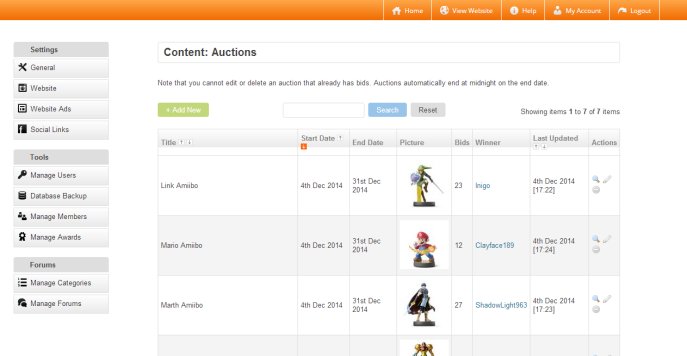


It used to be the case that when you commissioned a website you would then have to pay additional fees if you wanted something updated. With a SiteCenter website you will be able to easily administer all aspects of your website in one place via your Website Dashboard. Regardless of whether we custom-build your website or use third-party software such as Wordpress, you will be able to easily update your website's content, change settings, back-up your data and much more.
Easy to Use
You will be able to login to your Website Dashboard any time you like and, because it's web-based (at a location such as "yourdomain.com/dashboard/"),you will be able to access it from anywhere.
Your Website Dashboard will be easy to use - if you are able to use email and any popular desktop publishing software we are confident you will have no problem whatsoever using it and there is absolutely no need to know any code. However, if you do ever experience any difficulties and the built-in documentation does not help you you can simply get in touch with us for free support.
Website Dashboard Features
The exact functionality of your Website Dashboard will depend on your website's features. Where we have custom-built your website, your Website Dashboard will be tailor-made with only the features you need. And if you want us to add more features to your website in the future, your Dashboard will simply be upgraded to reflect this. Where we use third-party software such as Wordpress to build your website, we will make sure your Website Dashboard contains all the features you need to manage all aspects of your website.
Website Dashboard Homepage
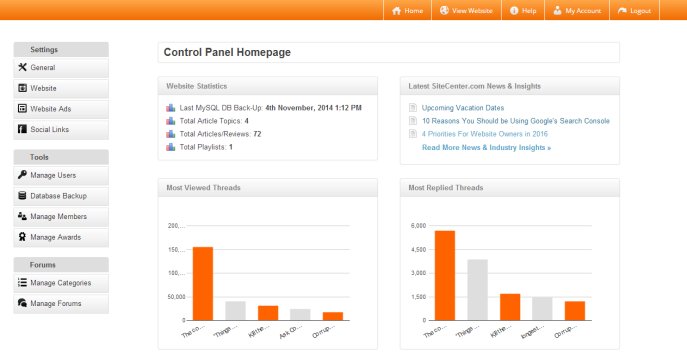
When we custom-build your website or web app, Your Website Dashboard homepage will provide you with an overview of key statistics for your website, as well as shortcuts to adding content and the latest news from SiteCenter. Here's an example:
Content Management System (CMS)
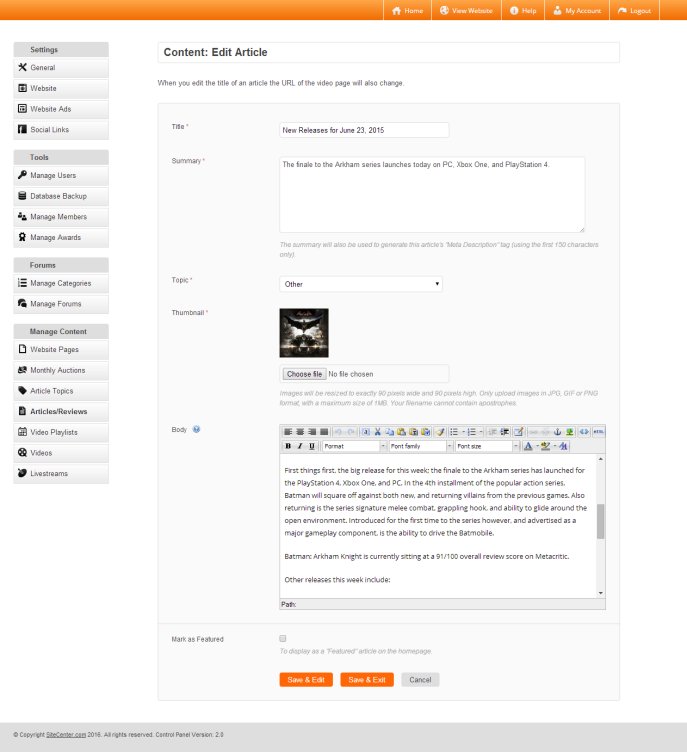
A CMS allows you to update your website's content yourself. For example, if you want to edit the wording of a page on your website, delete a blog entry or add a picture, you would simply login to your Website Dashboard and easily make this change yourself. Here's an example from a custom-built website:
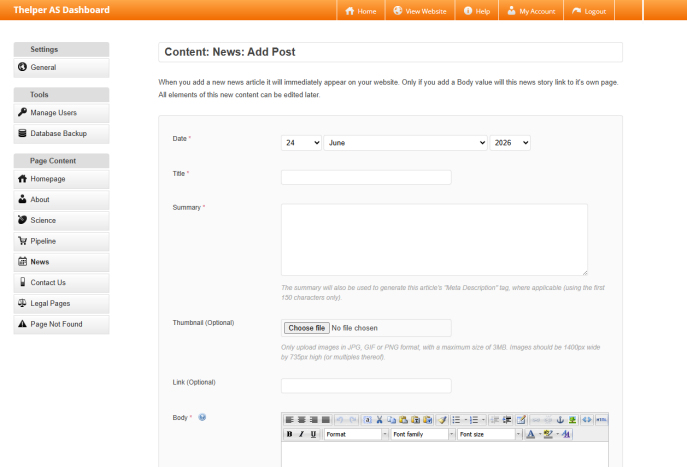
And here's an example from a Wordpress website:
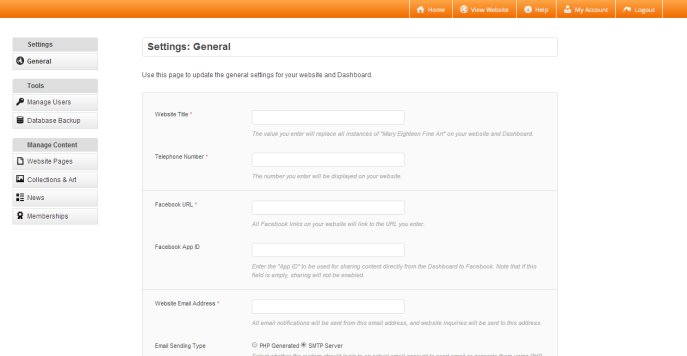
Update Settings
You will be able to easily edit any aspect of your website's settings. For example, you can change the email address to which inquiries are sent or change how many items of content are displayed per page. Here's an example from a custom-built website:
Tools & Utilities
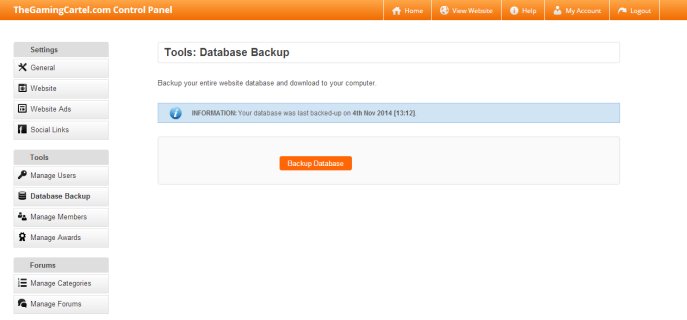
Your Website Dashboard will feature a range of utilities which are relevant to your website's features. At minimum, you will be able to:
- Export your website's database for backing up on your computer
- Add extra Website Dashboard users to share the administration of your website
Here's an example from a Wordpress website:
Other Features
Rest assured that you will be able to easily manage all aspects of your website, including members, subscribers, products, orders and any other applicable data. Here's an example from a custom-built website: